Fixing Notion Native Icons in an Android Widget
A behind-the-scenes look at how NotiZen Widget learned to render Notion native icons, remote icons, SVGs, and color mappings correctly on the Android home screen.
Posted by
 Gustav Caves
Related reading
Get Notion reminders on your Android home screen
Learn how NotiZen Widget turns Notion date properties like Reminder or Due Date into local Android notifications from your Custom Views.
Plan your Notion agenda with AI using NotiZen JSON export
Learn how NotiZen Widget lets Android users export selected Notion Custom Views and cached calendar events as JSON for ChatGPT, MCP workflows, and weekly planning.
Faster hide picker: less friction, more focus
A small UI upgrade that makes hiding/postponing reminders faster by replacing the old two-column menu with a wheel picker.
The bug looked simple
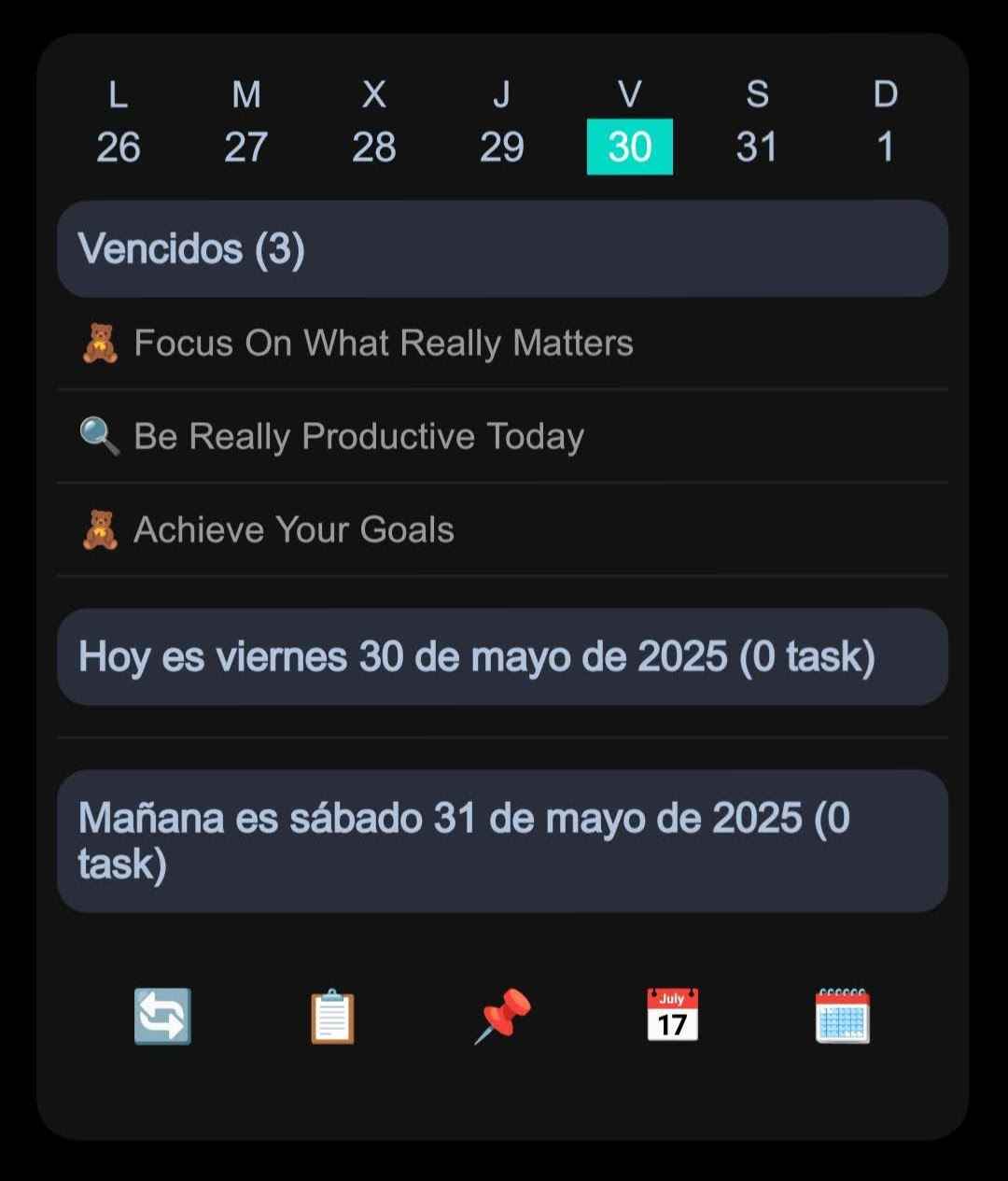
Some Notion page icons were not showing correctly inside NotiZen Widget. Some rows showed a letter fallback. Some showed a generic icon. Some colors looked right, while two very specific colors, the default dark icon and light gray, looked almost identical.
That sounds like a tiny UI issue. It was not.
It turned into a lesson about external API contracts, Android App Widgets, temporary URLs, local resources, generated registries, and the danger of assuming that every icon is just an image. The visible bug was small, but underneath it was a data contract problem plus a widget rendering problem.
The first wrong assumption: it must be a bitmap problem
My first hypothesis was simple: Notion gives the app an icon URL, the widget downloads it, decodes it, caches it, and renders it as a bitmap. Android App Widgets are rendered through RemoteViews, so the widget cannot behave like a normal Compose screen or a web UI. It has to render resources and bitmaps through APIs that RemoteViews supports.
That was true for external, file, and custom_emoji icons. It was not true for native Notion icons.
The letter fallbacks were still useful. They proved that rows were arriving, the widget was not crashing, and the list pipeline was alive. But a fallback can be a little too comforting. It makes the UI look degraded instead of broken, which can hide the real bug for longer than I would like to admit.
The real clue: icon_kind=none
The clue came from logs. For some rows, the widget was not saying download failed or decode failed. It was saying icon_kind=none.
In other words, those rows were not failing to render an image. The app had already lost the icon before the rendering layer ever had a chance. There was no image URL because Notion was not sending a remote image for those icons.
Notion native icons are a different thing
The missing piece was the shape of the Notion icon object. The Notion icon docs describe icon objects as a discriminated union by type. That distinction matters. Notion supports icons such as emoji, custom_emoji, external, file, and native icon.
Native Notion icons use type: "icon". They do not arrive as emojis, and they do not arrive as remote image URLs. They arrive as an object with a name and a color, like icon.name = "calendar" and icon.color = "blue".
That meant the fix was not to keep polishing the image loader forever. The app needed a real model for native icons: something like WidgetIcon.NativeIcon(name, color).
From 25 ugly placeholders to a real icon registry
The first solution was technically correct and visually bad: a small manual map of roughly 25 icons, plus a generic fallback. It proved the pipeline worked, but it made too many different Notion icons look the same. That was not good enough.
Notion workspaces are personal. Icons are part of how people recognize their pages quickly. If a calendar, book, inbox, and project all collapse into the same generic glyph, the widget technically works while feeling wrong.
The better fix was to import the full native icon SVG pack locally, convert those SVGs into Android VectorDrawable resources, and generate a NativeNotionIconRegistry. Instead of maintaining a tiny hand-written map, NotiZen Widget now resolves icon.name through the generated registry and falls back only when the icon is unknown.
The color bug that almost fooled me
Then came the last annoying detail: colors. Most of them worked. Blue was blue. Red was red. Purple was purple. But the default dark icon and light gray looked the same.
That kind of bug is especially frustrating because the system is almost correct. The icon is there. The registry works. The tint works. But one semantic detail is wrong.
The mistake was treating gray as light gray. For Notion native icons, gray is the base/default dark color, while lightgray is the light gray option. Once that mapping was corrected, the default dark icon and the light gray icon finally became visually distinct.
What the final pipeline looks like
- Emoji - render as text.
- custom_emoji, external, and file - use the remote image pipeline with bitmap decoding, caching, and fallback handling.
- file - preserve
expiry_timebecause Notion file URLs can be temporary. - native icon - use a local
VectorDrawablefrom the generated registry and apply the Notion color tint. - unknown icon - show a generic fallback instead of silently disappearing.
What I learned
- Always verify the external API contract before fixing the UI.
- Logs should answer whether a row has no icon, a failed URL, or a failed render.
- App Widgets are not normal Android views.
- A fallback is useful, but it must not hide the real bug.
- A complete local registry beats a tiny hand-written map.
Why it matters for NotiZen Widget
Users care about small visual details because Notion workspaces are personal. A widget should respect that structure instead of reducing everything to generic rows.
This work makes NotiZen Widget feel closer to the real Notion workspace on the Android home screen. That is the point of the product: not just showing text from Notion, but bringing real Notion workflows into the place where people glance all day.