Why your Notion databases may not appear in an Android widget
Learn why Notion databases may not appear after connecting Notion, how page permissions work, and how NotiZen Widget now makes setup clearer.
Posted by
 Gustav Caves
Related reading
Why connecting Notion can feel confusing — and how NotiZen makes setup easier
Connecting Notion can be confusing when databases do not appear after setup. Learn how Notion page permissions work and how NotiZen Widget makes the setup flow clearer.
How to manage multiple Notion workspaces on your Android home screen
Learn how NotiZen helps Android users manage multiple Notion workspaces, update shared pages, choose the right database for widgets, and remove local workspace connections safely.
How to organize multiple Notion views on your Android home screen
Learn how to organize multiple Notion views on your Android home screen with NotiZen Widget, including Today, Overdue, Work, Personal and project-focused Custom Views.
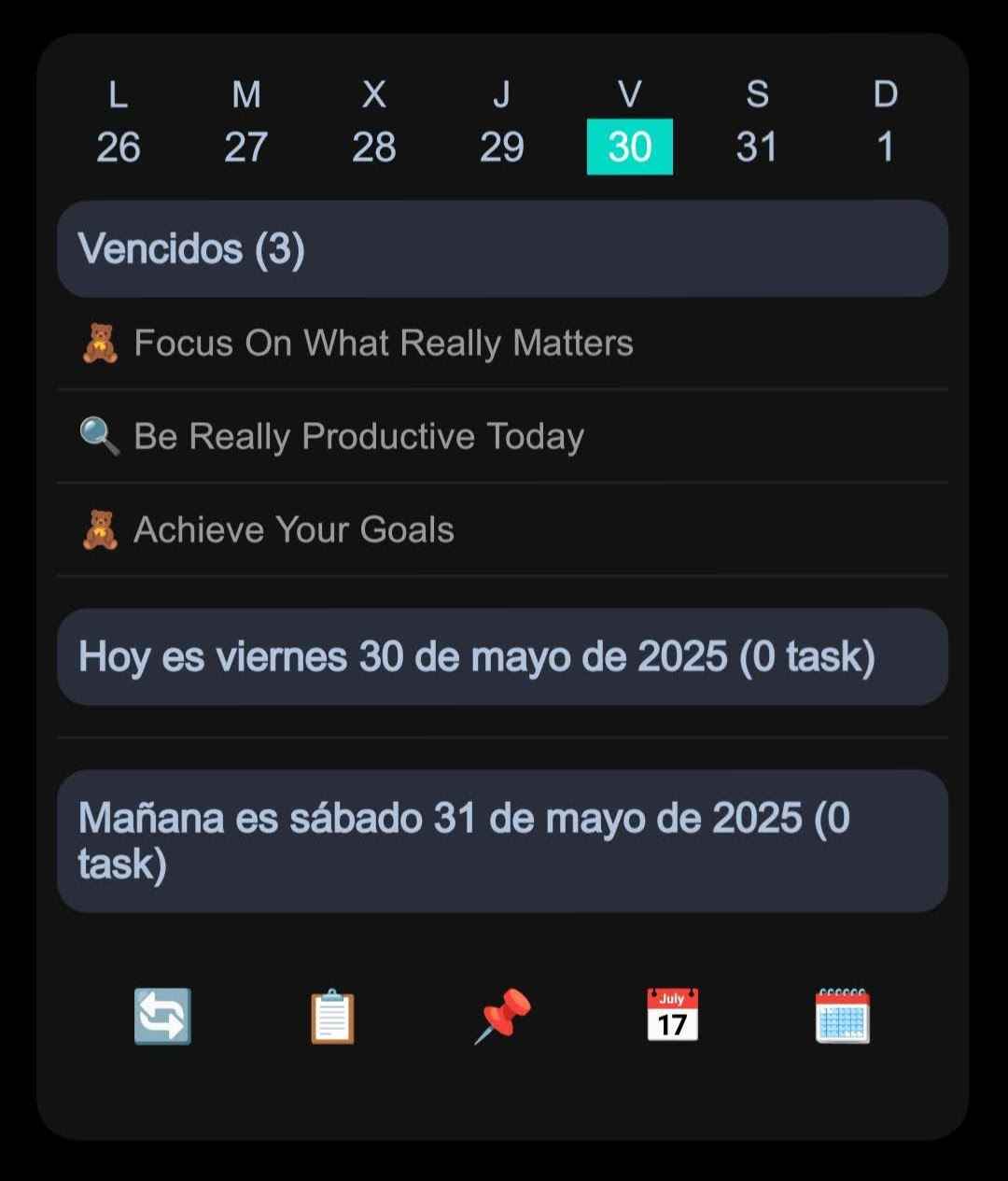
If you connect Notion to an Android widget app and your databases do not appear, the connection may not actually be the problem. In many cases, Notion is connected, but no relevant content was shared with the integration.
This can feel like setup failed, especially when you expected the database picker to show everything right away. The important detail is that Notion integration permissions are explicit: NotiZen Widget can only load databases you make accessible, either directly or through a page that contains them.
Why this happens
When an app connects to Notion, Notion asks which content the integration can access. That permission step is separate from signing in or approving the connection.
If no relevant content is selected, NotiZen can be connected but still unable to find databases for your Android home screen widget. That does not mean you did something wrong. It is part of Notion's permission model and is designed to keep access explicit.
A database can also be missing if neither the database nor a page that contains it was shared with the integration.
Start with a database you recognize
The simplest first connection is based on the result you want: make one known database available to NotiZen.
- Continue from NotiZen to the Notion connection.
- Find the database you want to use, or a page that contains it.
- Select the relevant content and confirm access.
- Return to NotiZen Widget and select the database for the widget.
For the simplest setup, select the database you want to use directly. If it lives inside a page, you can instead select that page to grant access to the content inside it when Notion permits it. This recommendation is not a technical limit: advanced users can share multiple databases during the first connection, and more databases can be added later with "Update shared pages". Basic allows up to 3 distinct Notion data sources in use across saved views and enabled task sources. Pro removes that usage limit; sharing access alone does not consume a source slot.
Add access progressively
Starting with the database needed for the first widget keeps setup focused. When you need another database, open "Update shared pages" and make it accessible directly or through a page that contains it.
Keep any existing content you still need available, select the relevant new content, confirm access, and return to NotiZen. The app checks which databases it can access after the update.
NotiZen should never ask you to publish private data. This permission step is about what the integration can access inside your Notion workspace, not about making your content public.
As a secondary option, if several databases live inside the same parent page and you want to share that group, you can give access to the parent page when Notion permits it.
What changed in NotiZen Widget
We improved setup copy around this moment because it is easy to miss what Notion is asking for. The goal is not to remove Notion's permission step, but to make it clearer before you leave the app.
- A short textual guide before opening Notion.
- A focused recommendation to select a known database directly for the simplest setup.
- A containing page as another access path when Notion permits it.
- A clear reminder that more databases can be shared now or added later.
- No dependency on screenshots or exact labels in Notion's changing interface.
- Improved recovery messages when shared pages are missing.
- Cleaner database picker copy.
What to do if databases still do not appear
If your Notion databases are not showing after connecting Notion, try this checklist:
- Open "Update shared pages" from the database picker.
- Find the database you want to use in Notion, or a page that contains it.
- Select the relevant content and confirm access.
- Return to NotiZen and refresh or retry the picker.
If the database is nested inside a parent page, check that the relevant parent content is also accessible.
For more detail, read the Notion setup docs and the troubleshooting guide.
Related guides
FAQ
Why are my Notion databases not showing in NotiZen Widget?
The most common reason is that Notion is connected, but no pages or databases were shared with the NotiZen integration.
Can I share more than one database during setup?
Yes. Starting with one database is simply the easiest way to complete the first widget. You can share multiple databases during setup or add more later.
Does selecting pages publish my Notion content?
No. This is about Notion integration permissions. NotiZen should never ask you to publish private content to use a widget.
Conclusion
Missing databases usually come down to access, not a broken connection. The current NotiZen setup flow starts with one recognizable database, confirms access, and leaves room to add more without imposing a database limit.
Try NotiZen Widget for Android and turn your Notion database into a home screen widget.