Why connecting Notion can feel confusing — and how NotiZen makes setup easier
Connecting Notion can be confusing when databases do not appear after setup. Learn how Notion page permissions work and how NotiZen Widget makes the setup flow clearer.
Learn how to set up Notion tasks, views and collections on Android and use widgets when they help your daily workflow.

Connecting Notion can be confusing when databases do not appear after setup. Learn how Notion page permissions work and how NotiZen Widget makes the setup flow clearer.

Learn why Notion databases may not appear after connecting Notion, how page permissions work, and how NotiZen Widget now makes setup clearer.

Learn how NotiZen helps Android users manage multiple Notion workspaces, update shared pages, choose the right database for widgets, and remove local workspace connections safely.

Organize work, projects and personal planning with Notion views and NotiZen collections on Android. Use them inside the app and add optional widgets.

Learn what the native Notion Android widget can do, where it feels limited, and how NotiZen Widget helps turn Notion databases into Android home screen widgets.

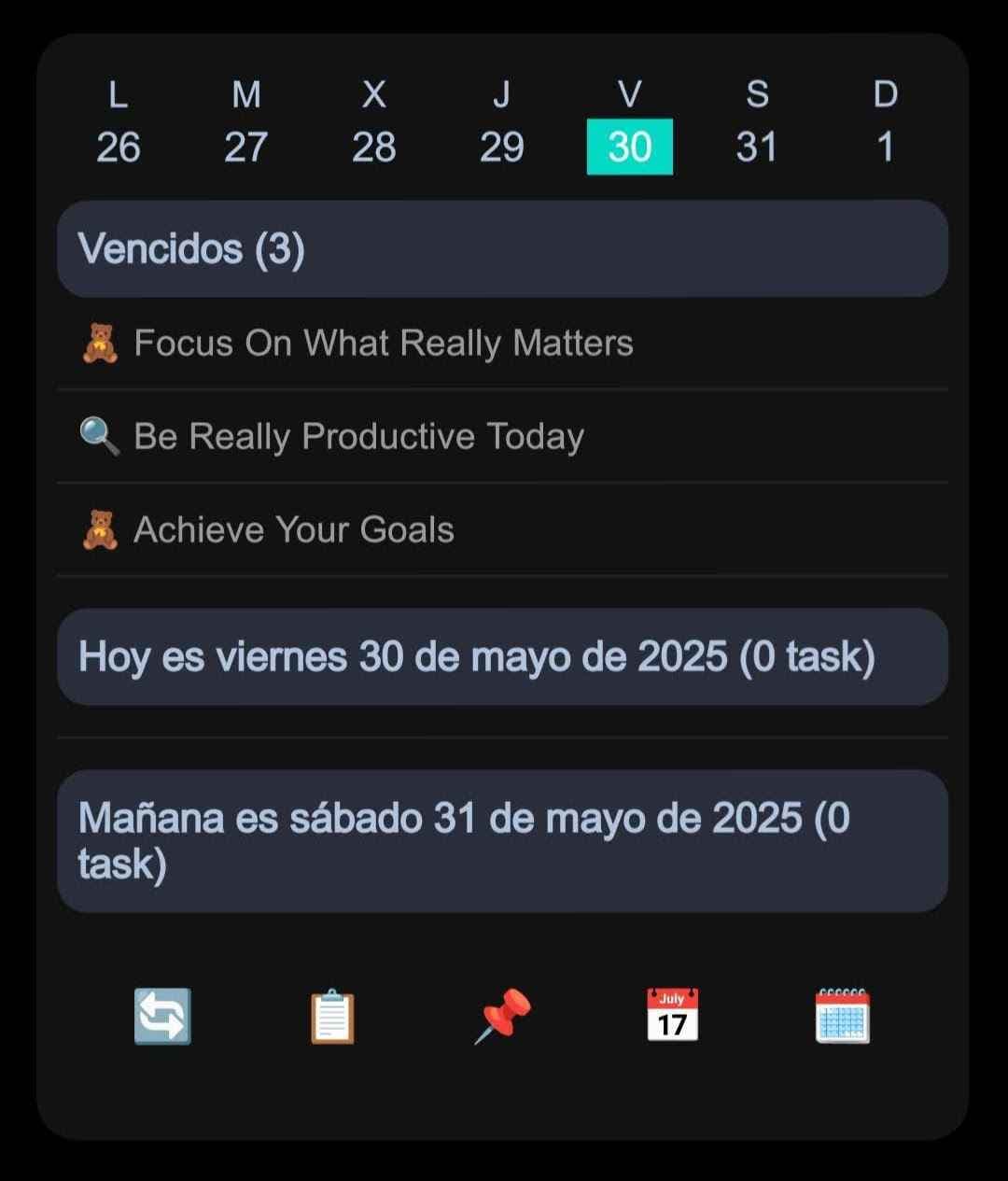
Add a Notion widget to your Android home screen with NotiZen Widget. View tasks, use Custom Views, edit properties, and choose light, dark, or system mode.
Start free with Basic on Android. Set up tasks, views and collections, then choose Pro when you need more capacity or advanced controls.